Stop Using useEffect for Derived State in React
Calculate during render for simple values. Use a declarative model when relationships belong to a shared business graph.

If your component stores price, quantity, and total separately, it stores a mathematical relationship as three independently updateable values.
Every change to the inputs must then keep the result synchronized.
For simple calculations, React already provides the answer: calculate during render. When those calculations become a shared network of business rules, you can move the relationships into a reactive model.
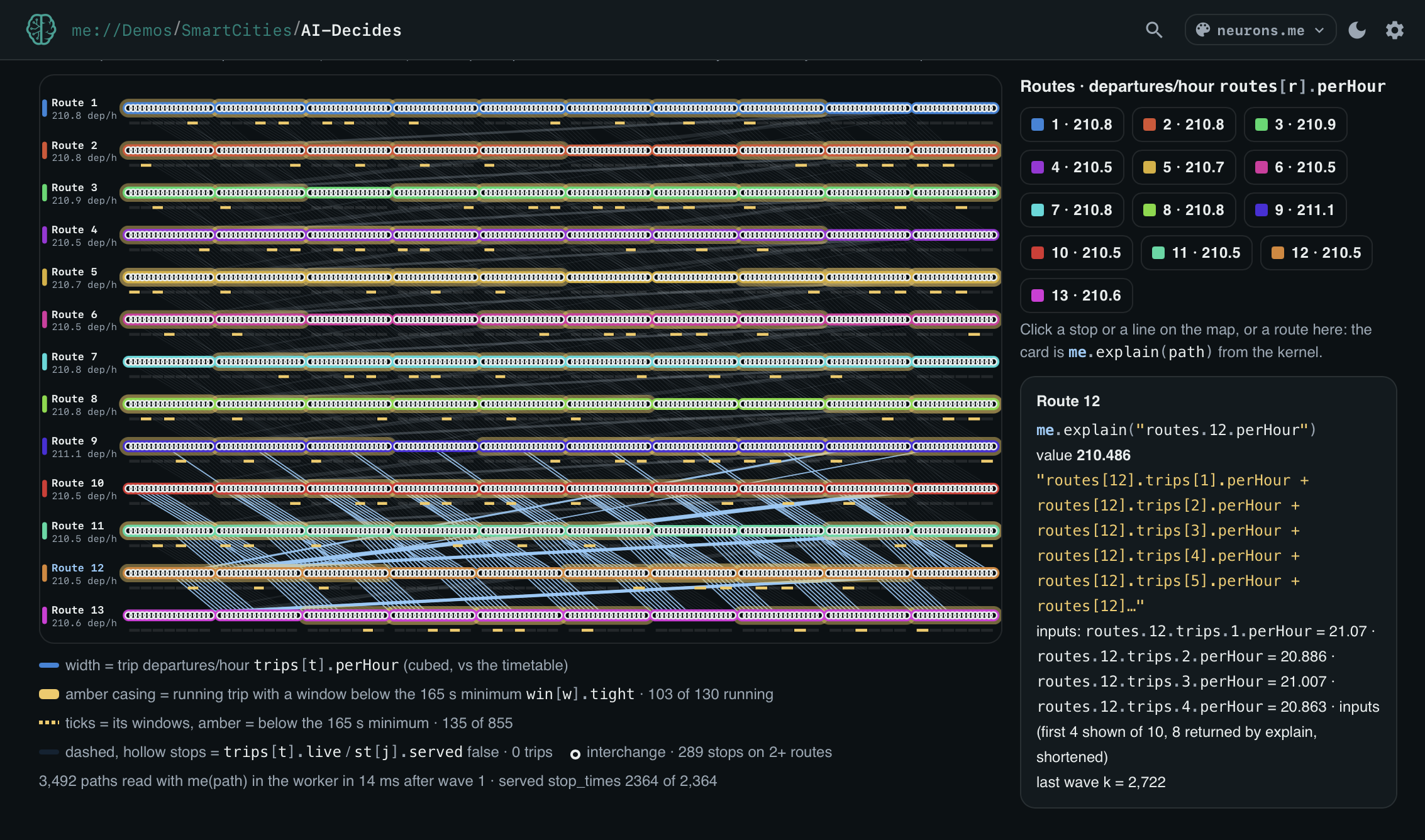
This article demonstrates both approaches, using .me, the open-source declarative kernel I’m building.
1. The Anti-Pattern: Syncing Derived State with useEffect
Consider this component:
import { useEffect, useState } from "react";

function OrderTotal({ price, quantity }) {
  const [total, setTotal] = useState(0);

  useEffect(() => {
    setTotal(price * quantity);
  }, [price, quantity]);

  return <output>{total}</output>;
}
The dependency array is correct. But when an input changes, the component renders with the previous total. The Effect updates state afterward, causing another render.
Now omit quantity:
useEffect(() => {
  setTotal(price * quantity);
}, [price]); // Missing quantity
Changing quantity alone no longer updates the total. The exhaustive-dependencies lint rule helps catch this mistake, but the redundant state was unnecessary in the first place.
The first example introduces an extra update cycle. The second adds a missing-dependency bug. Neither requires an asynchronous race condition to produce an incorrect intermediate result.
2. The Idiomatic React Fix: Calculate During Render
Delete the redundant state and Effect:
function OrderTotal({ price, quantity }) {
  const total = price * quantity;

  return <output>{total}</output>;
}
For this example, stop here. You do not need another library.
React’s documentation recommends calculating values from existing props or state during rendering. For expensive calculations, memoization can help avoid repeating work when inputs have not changed. React: You Might Not Need an Effect
When the Calculation Becomes a Shared Model
Suppose checkout, invoice previews, and reporting screens all use these relationships:
price × quantity → subtotal
subtotal − discount → taxable amount
taxable amount × tax rate → tax
taxable amount + tax → total
You can express them with shared functions, selectors, or an existing state manager. React does not prevent that.
A dependency graph offers another approach: declare the relationships in a model that maintains derived values independently of component rendering.
3. Modeling Relationships with .me
.me lets you declare facts at paths and attach rules to those paths.
Install it:
npm install this.me
Declare two inputs and their relationship:
import Me from "this.me";

const me = Me();

me.order.price(100);
me.order.quantity(5);

me.order["="]("total", "price * quantity");

console.log(me("order.total")); // 500
The formula belongs to order, so price and quantity resolve in that context. The kernel records those dependencies.
Update an input:
me.order.quantity(7);

console.log(me("order.total")); // 700
There is no separate setTotal call.
From One Formula to a Dependency Chain
The same mechanism expresses the invoice model:
const invoice = Me();

invoice.order.price(100);
invoice.order.quantity(5);
invoice.order.discount(50);
invoice.order.taxRate(0.1);

invoice.order["="]("subtotal", "price * quantity");
invoice.order["="]("taxable", "subtotal - discount");
invoice.order["="]("tax", "taxable * taxRate");
invoice.order["="]("total", "taxable + tax");

console.log(invoice("order.total")); // 495

invoice.order.quantity(7);

console.log(invoice("order.total")); // 715
The dependency chain belongs to the model. Components consume its results.
These are illustrative arithmetic rules; production billing also needs explicit currency and rounding rules. Formula strings use .me’s expression language, not arbitrary JavaScript.
See the TypeScript README for supported syntax and operators.
4. Connecting the Model to React
Updating an external model does not automatically rerender React. The model must notify its consumers.
Here is a small adapter for the original price × quantity example:
// orderStore.js
import Me from "this.me";

const me = Me();
const listeners = new Set();

me.order.price(100);
me.order.quantity(5);
me.order["="]("total", "price * quantity");

export const orderStore = {
  subscribe(listener) {
    listeners.add(listener);

    return () => listeners.delete(listener);
  },

  getTotal() {
    return me("order.total");
  },

  setQuantity(quantity) {
    me.order.quantity(quantity);

    for (const listener of listeners) {
      listener();
    }
  },

  explainTotal() {
    return me.explain("order.total");
  },
};
subscribe belongs to this adapter. It is not a .me method.
React connects through useSyncExternalStore:
import { useSyncExternalStore } from "react";
import { orderStore } from "./orderStore.js";

export default function OrderSummary() {
  const total = useSyncExternalStore(
    orderStore.subscribe,
    orderStore.getTotal
  );

  return (
    <section>
      <output>Total: {total}</output>

      <button onClick={() => orderStore.setQuantity(7)}>
        Set quantity to 7
      </button>
    </section>
  );
}
The responsibilities are explicit:
.memaintains the calculation.The adapter notifies subscribers after a mutation.
React reads the snapshot and updates the UI when its value changes.
The snapshot here is a number, so unchanged reads produce a stable value. React: useSyncExternalStore
This is a client-side example. All writes must go through the adapter’s notifying methods; bypassing them would leave React uninformed. Server rendering requires an appropriate store lifecycle and server snapshot.
5. Why Is the Total 700?
Now inspect the calculation:
orderStore.setQuantity(7);

console.log(orderStore.explainTotal());
This excerpt comes from an actual run against my local this.me 4.2.1 build. Timestamps and additional input metadata are omitted:
{
  "path": "order.total",
  "value": 700,
  "expr": "price * quantity",
  "derivation": {
    "expression": "price * quantity",
    "inputs": [
      {
        "label": "price",
        "path": "order.price",
        "value": 100
      },
      {
        "label": "quantity",
        "path": "order.quantity",
        "value": 7
      }
    ]
  },
  "meta": {
    "dependsOn": [
      "order.price",
      "order.quantity"
    ],
    "k": 1,
    "recomputed": ["order.total"],
    "changed": ["order.total"],
    "sourcePath": "order.quantity"
  }
}
The trace connects the result to the expression and resolved inputs. It also identifies the triggering path and the derived values reevaluated during propagation.
You do not have to add logging statements around this formula to inspect those relationships.
Logs remain useful for requests, failures, and external events. explain() provides a different view: the computation represented by the model. It does not, by itself, reconstruct every historical state or establish that an input was factually correct.
What O(k) Propagation Means
In this example, k = 1: one derived value was reevaluated.
Dependency-driven propagation follows the affected relationships instead of deliberately evaluating every derivation in the graph. If only a small part of a large model depends on an input, that distinction matters.
O(k) does not mean constant time. More affected computations mean more work, and expression costs, dependency traversal, and tracing contribute to elapsed time.
Kernel propagation and React rendering are separate workloads, too. An efficient propagation wave does not automatically guarantee fewer component renders; that depends on subscriptions and component structure.
The architecture notes and benchmark sources provide more detail.
Try One Relationship
For a multiplication inside a component, calculate during render.
When relationships become a shared business model, consider giving them a home outside individual components—where their dependencies and results can be inspected.
npm install this.me
import Me from "this.me";

const me = Me();

me.order.price(100);
me.order.quantity(5);
me.order["="]("total", "price * quantity");

me.order.quantity(7);

console.log(me("order.total"));
console.log(me.explain("order.total"));
Declare a relationship. Change an input. Inspect what happened.
About the author
- ○ universe → ⊙ identity → ● meaning
Comments
Join the discussionThe extra render in the effect version is worse than wasted work. Children and their own effects see that in-between render with the old total, so an analytics call or a fetch keyed on total can fire once with the stale value before the corrected one lands. Calculating during render removes that window completely.
Understanding .me
A foundational series exploring the architecture, core axioms, and runtime primitives behind .me